Practical UI patterns and micro-interactions that make conversational experiences feel natural—and boost conversions.
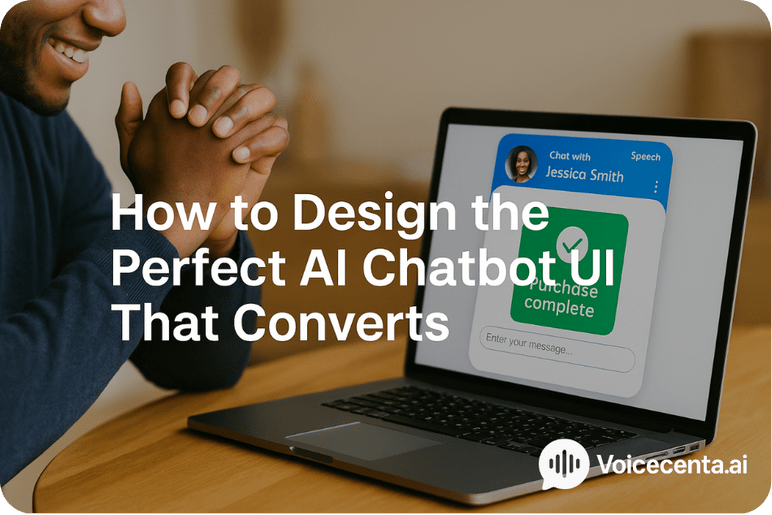
The AI chatbot UI is the first impression users get of your virtual assistant. It’s not just about aesthetics—it’s a direct line to your brand’s personality, professionalism, and functionality. A poor chatbot interface can create confusion, friction, and bounce. A polished, well-considered chatbot user experience builds trust, increases time on site, and encourages action. At VoiceCenta, we help businesses craft an AI interface that feels intuitive and engaging—whether for support, sales, or lead generation.
The conversational interface is where human expectations meet AI capability. It shapes how people interact with your brand and whether they stay long enough to convert. Your chatbot’s UI must be thoughtfully designed to:
While many platforms invest in powerful AI logic, they fall short when it comes to custom chatbot design. The result? Intelligent bots with clunky front-ends. Common failures include:
A strong AI chatbot UI isn’t just visually pleasing—it’s purpose-driven. Here are five critical elements that define a high-performing chatbot UI:
Great design isn’t one-size-fits-all. That’s why we built VoiceCenta to support full custom chatbot design without needing code. Whether you’re running a luxury brand, a B2B SaaS firm, or a health clinic, your AI chatbot UI should reflect your unique look and feel.
Our team is also available to support special accessibility or branding requests where needed. We don’t offer standalone UI design services, but we do ensure your chatbot UI works flawlessly with your brand ecosystem.
Design priorities change depending on the device. For desktop users, there's more room for detail, such as persistent navigation, wide avatars, and extended conversation threads. Mobile, however, demands tighter focus, fast interactions, and optimised layouts. Key mobile design tips for a successful AI interface optimisation include:
Humans are wired for conversation. That’s why conversational interfaces outperform static forms and menus. A good chatbot UI guides users just like a helpful store assistant would—welcoming them, offering options, and making suggestions.
AI interface optimisation means thinking beyond aesthetics. A truly optimised experience covers the entire journey—from trigger to resolution. Here’s what to focus on:
No AI chatbot UI is perfect on launch. It takes iteration. That’s why VoiceCenta offers built-in analytics for A/B testing layouts, message timing, and conversion paths. Here’s what to measure:
Refining your chatbot user experience over time results in lower friction, better data collection, and higher ROI.
Investing in a smart, scalable, and beautiful AI chatbot UI is one of the most impactful ways to elevate your customer experience. Whether your goal is more leads, fewer support queries, or increased transactions, your interface plays a make-or-break role. With VoiceCenta, you’re not just getting AI—you’re getting a conversational interface that reflects your brand, learns from users, and grows alongside your business.
Ready to elevate your chatbot experience?
Book a quick demo and see how a custom interface converts more conversations into customers.
Further Reading
Essential for security, load balancing, and core functionality. These cannot be switched off.
Helps us understand how the site is used so we can improve it.
Used to show relevant content or measure campaign effectiveness.